
Consent in MassComs is not only a compliance record — it decides which channels you can actually use to reach a person. A low consent rate is a safety coverage gap wearing a legal costume.
Before you start
Have these ready.
- The people.manage permission.
- Your organisation's privacy position on emergency contact.
- 01
Record channels per person
Each person's record holds the channels they can be reached on. A person with no recorded mobile number cannot be reached by SMS regardless of what a scenario configures.
- 02
Track the consent rate
The register shows a consent rate. Treat a low number as an operational problem: those people are unreachable on the channels in question.
Confirm it workedYou can state, per site, what proportion of people you could actually reach by each channel.
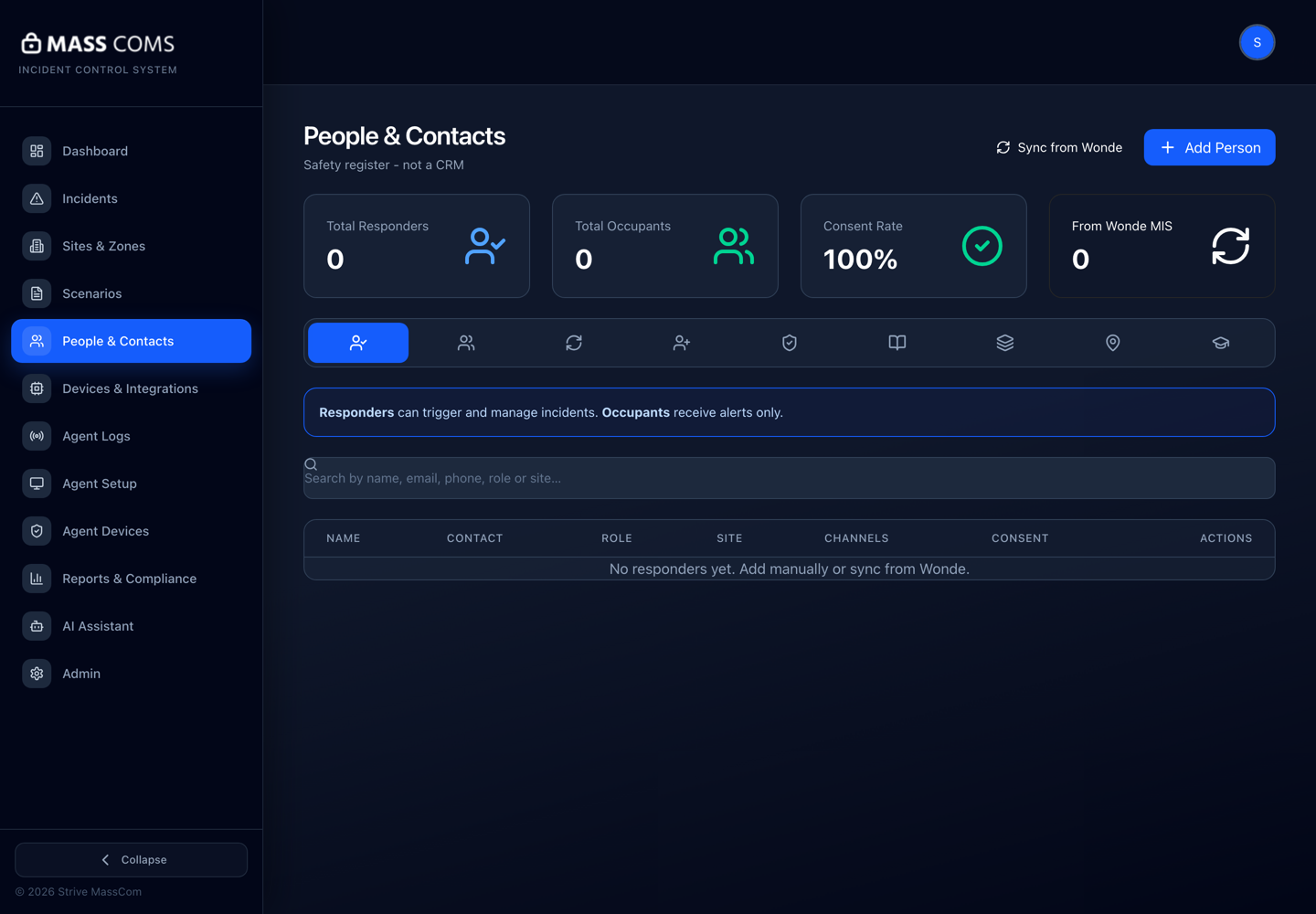
People register with consentMassComs People and Contacts screen showing channels and consent against each record. - 03
Collect consent as part of onboarding
Collect it when people join rather than in a campaign later. Retrofitting consent across an existing population is much harder than capturing it once.
- 04
Keep the consent log
Consent logs are retained as part of the compliance record and appear in evidence exports.
- 05
Handle data requests
The mobile app lets a person request their data (a subject access request) and request deletion. Have a process ready for these rather than improvising when the first one arrives.
Field or control What it does Request My Data (SAR) A person's request for the data held about them. Delete My Data A deletion request. Consider what your safety obligations require you to retain before acting. Deletion requests and safety record-keeping can pull in opposite directions. Decide your position with whoever owns data protection before the first request, not after.
- 06
Set the retention policy
The organisation's data retention policy is configured in admin settings and governs how long records are kept.
See Configure organisation settings.
Troubleshooting
When it does not go to plan.
| Symptom | Usual cause | Fix |
|---|---|---|
| SMS reaches only some people. | Missing numbers or missing consent for the rest. | Audit the register by channel rather than by person. |
| Imported records have no consent. | Consent is not an MIS field and does not arrive with a sync. | Collect it separately. The sync will not do it for you. |
Good to know
Small details that prevent big confusion.
- Consent rate and coverage are the same number seen from two directions.
- Emergency contact may have a different legal basis from marketing contact — take advice rather than assuming either way.
- A person who deletes their data also disappears from your roll call. That trade-off is worth understanding in advance.
Was this guide clear?