
The on-site roll is only useful if somebody looks at it before an emergency. Checking it daily is a two-minute habit that makes a roll call trustworthy.
Before you start
Have these ready.
- Kiosk admin access, or people.manage on the dashboard.
- 01
Open the on-site view
The kiosk's admin views show current attendance. The dashboard shows the same picture under People on Site, and during an incident under Kiosk — On Site Now.
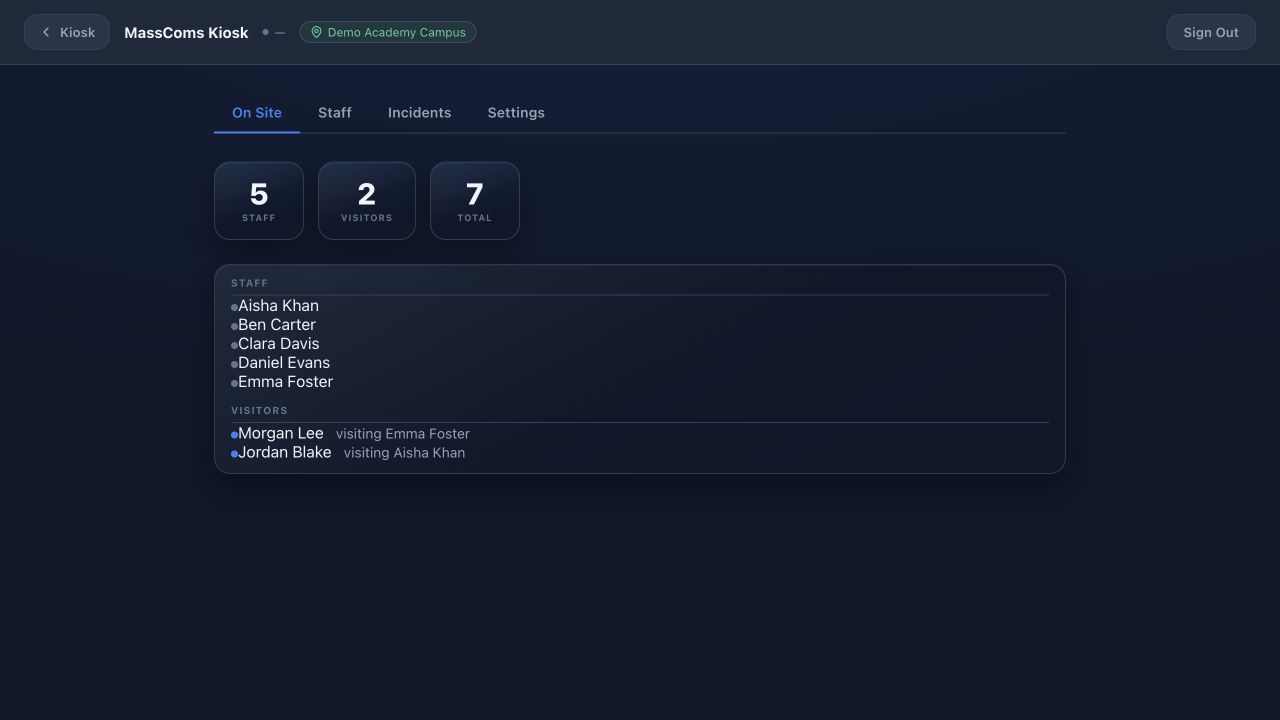
Kiosk admin attendanceMassComs visitor kiosk admin attendance view. - 02
Check the totals against reality
Compare staff and visitor totals against what you would expect for the time of day. A number that is obviously too high means people are not signing out.
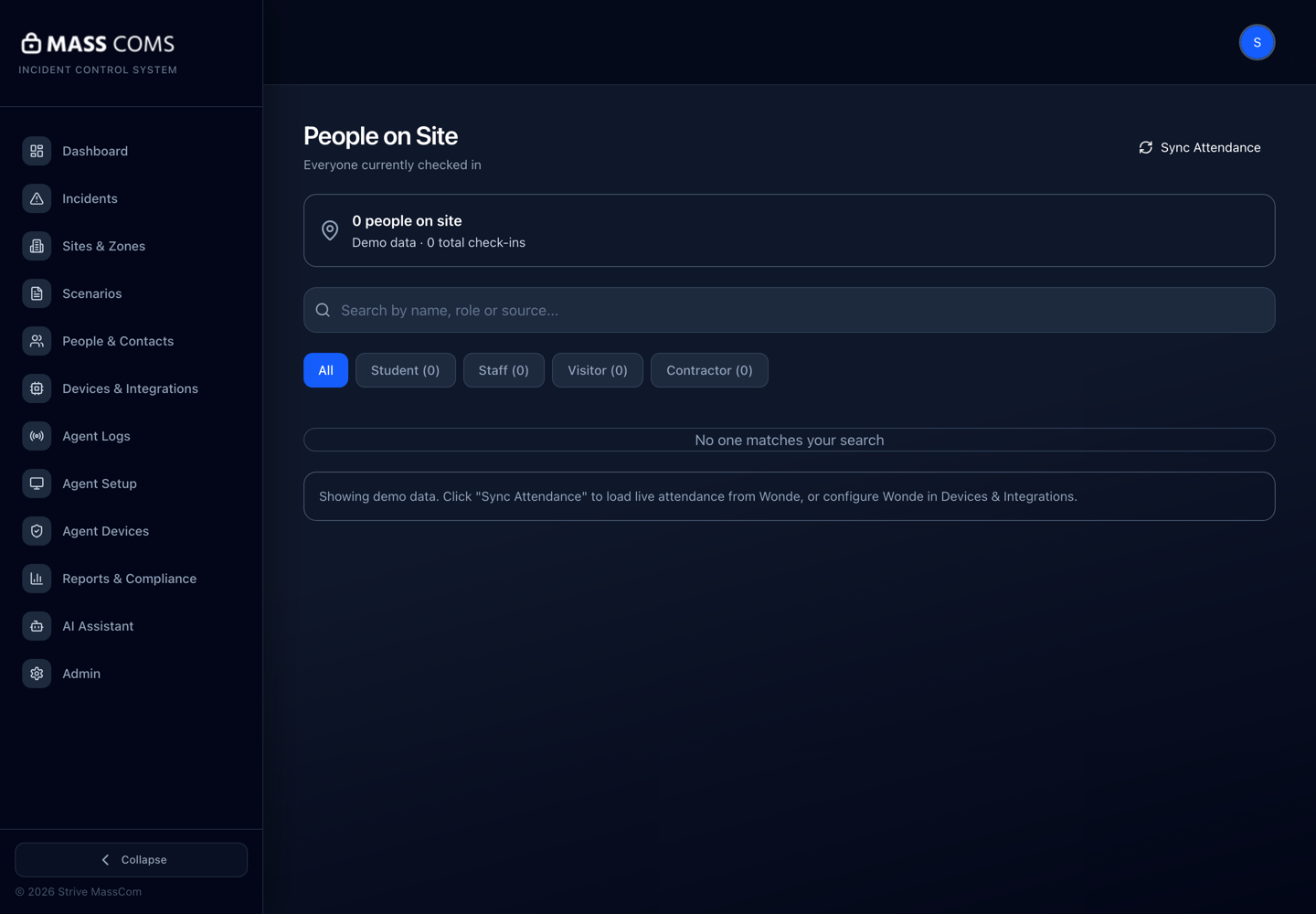
People on SiteMassComs People on Site screen showing who is currently signed in. - 03
Correct records
Sign out anyone you know has left, and correct duplicates. Do this at the end of each day rather than accumulating errors.
Confirm it workedThe list at the end of the day reflects who is genuinely still in the building.
- 04
Know the limits before you rely on it
The roll reflects sign-in discipline, not physical presence. It over-reports when people forget to sign out, which is the safer direction, and it under-reports anyone who came in without signing in at all.
Never treat an empty on-site list as evidence a building is empty.
Troubleshooting
When it does not go to plan.
| Symptom | Usual cause | Fix |
|---|---|---|
| People appear who left days ago. | No sign-out, and no end-of-day correction. | Add an end-of-day check to the reception routine. |
| The dashboard and kiosk disagree. | The kiosk is offline and has not synced. | Check the kiosk's connection — see Fix an offline device. |
Good to know
Small details that prevent big confusion.
- Two minutes a day of correction is what makes this list trustworthy in an emergency.
- Contractors and deliveries are the most commonly missed group.
- The roll feeds mobile roll call. Errors here become search-list errors there.
Was this guide clear?