
During an incident the dashboard stops being a configuration tool and becomes a situational picture. Reading it correctly — especially the absences — is a skill worth rehearsing before you need it.
MassComs supports your organisation’s safety plan. It does not replace authorised instructions, trained judgement or emergency services.
Before you start
Have these ready.
- An active incident.
- Access to the incident view for the affected site.
- 01
Read the timeline first
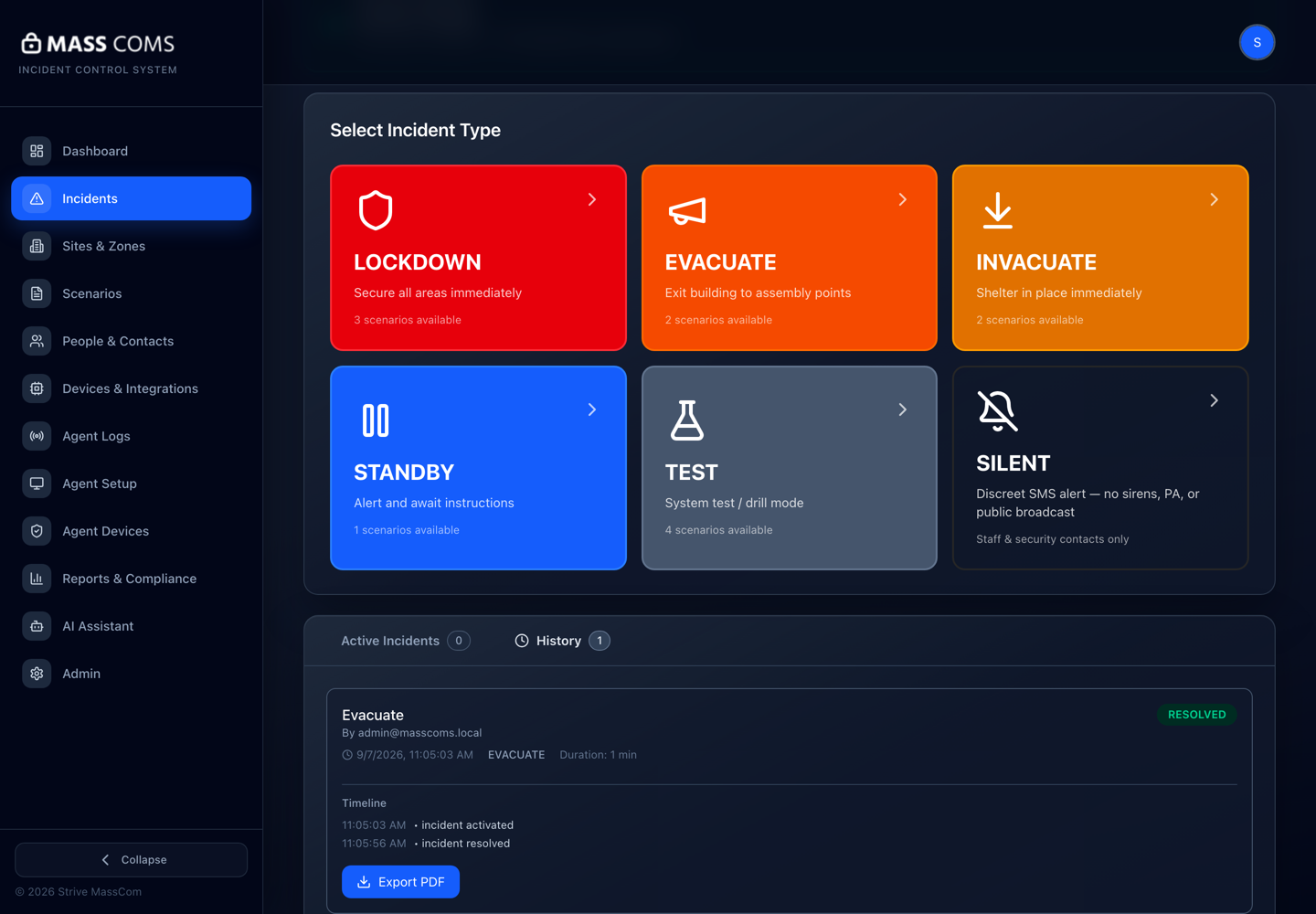
The timeline records what the system did and when: activation, delivery, acknowledgements, status changes. It is the objective record and the thing you will be asked about afterwards.
Incident timelineMassComs incident timeline showing recorded events. - 02
Read acknowledgements as coverage, not compliance
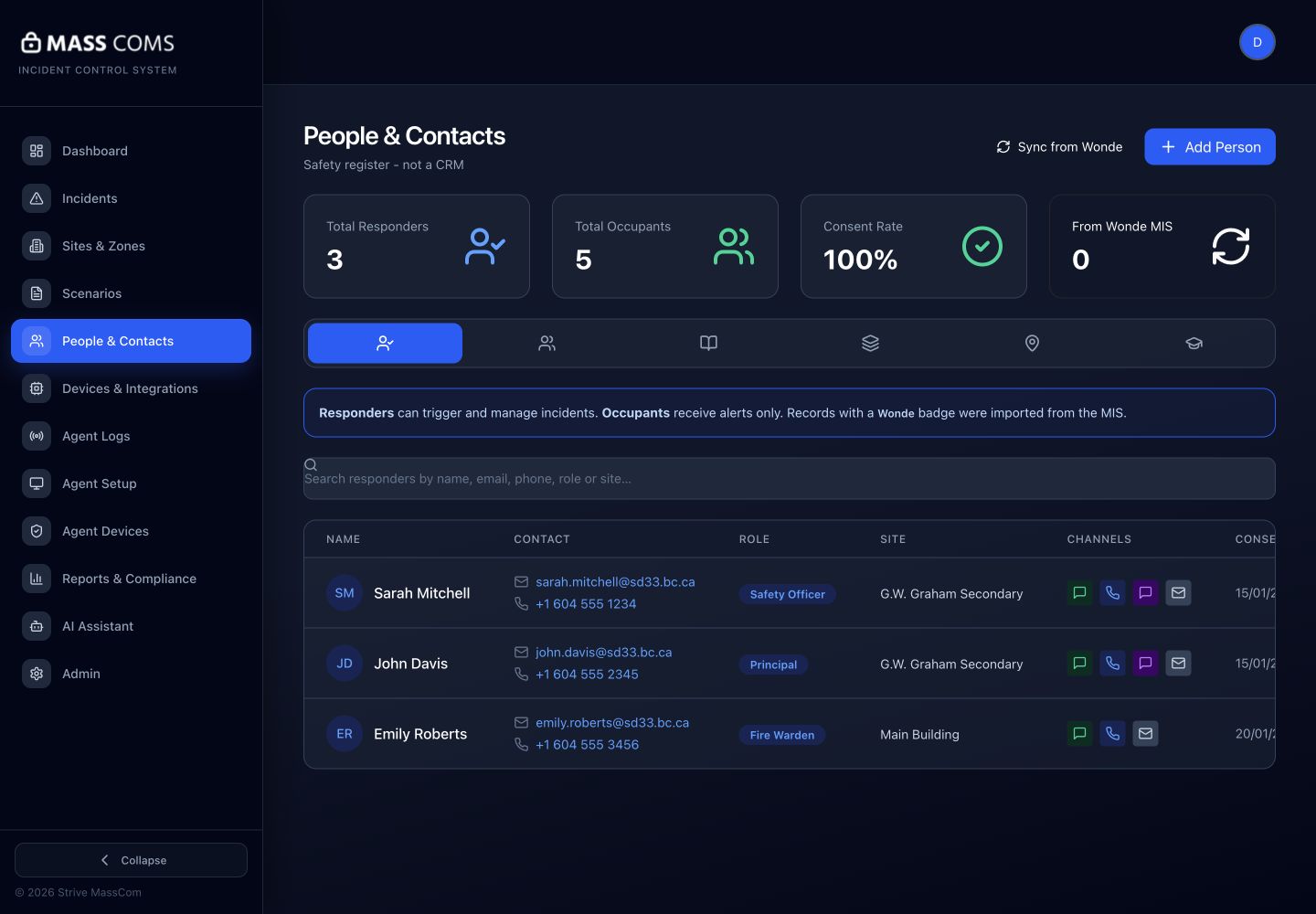
The acknowledgements view shows who has responded. The useful question is not "who is being slow" but "which areas have no response at all".
A zone with zero acknowledgements is a different problem from a zone with partial acknowledgements. Zero usually means a delivery or coverage failure; partial usually means people are busy doing the right thing.
People and contactsMassComs people view showing responders and contact records. - 03
Watch help requests
Help requests are people actively asking for assistance, as distinct from acknowledgements. They are the highest-priority items on the screen and should be routed to a named person immediately.
- 04
Use the kiosk on-site roll
The Kiosk — On Site Now view shows who was signed in when the incident began: staff and visitors both. This is usually the most accurate list of who is actually in the building.
It is only as good as sign-in discipline. If people do not sign out, the list over-reports, which is the safer failure direction but still needs to be understood before you use it to account for people.
- 05
Cross-check the two lists
The on-site roll tells you who should be accounted for; the acknowledgements tell you who has responded. The gap between them is your search list.
Confirm it workedEvery name on the on-site roll is either acknowledged, accounted for by a person, or on an explicit list of people to find.
- 06
Use mobile roll call in the field
Responders in the building can use the app's roll call and accountability screens to mark people present at an assembly point, which feeds back into the same picture.
See Use roll call and accountability on mobile.
- 07
Keep the record clean as you go
Anything you learn that the system does not know — someone accounted for verbally, someone known to be off site — belongs in the record while it is happening, not reconstructed afterwards.
Troubleshooting
When it does not go to plan.
| Symptom | Usual cause | Fix |
|---|---|---|
| Acknowledgement numbers are far below headcount. | Usually notification permissions or people not knowing they should acknowledge. | Check Fix missing mobile alerts for a sample of non-responders, and add the acknowledgement instruction explicitly to the scenario's response steps. |
| The on-site roll shows people who left hours ago. | They did not sign out at the kiosk. | Operational, not technical. Reinforce sign-out, and treat the roll as an over-estimate until it improves. |
| A whole zone shows nothing. | No connected devices in that zone, or its rooms are not assigned to it. | Check Agent Devices and the zone's room membership after the incident. |
Good to know
Small details that prevent big confusion.
- Absence of acknowledgement is not evidence of absence of a person. It is a prompt to go and look.
- The most valuable review after an incident is comparing what the timeline recorded against what people remember.
- Practise reading this screen during drills. It is a poor time to learn the layout during a real event.
Was this guide clear?